How to Segment Customers and Personalise Campaigns in Termii Engage
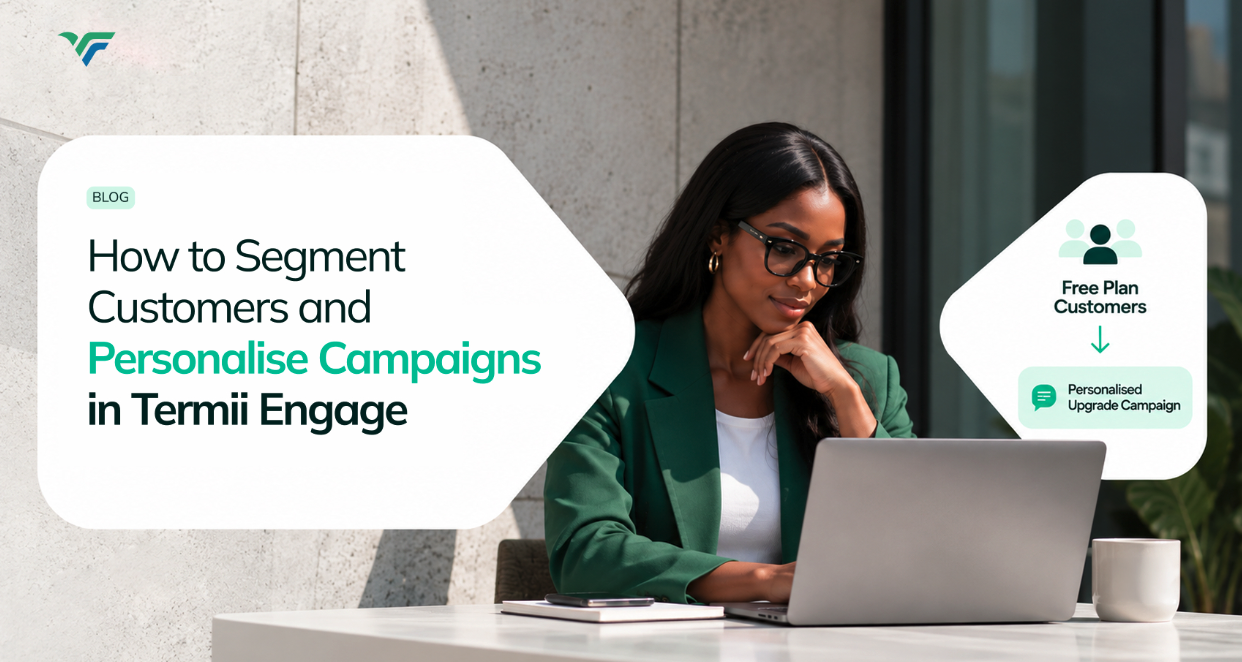
How to Segment Customers and Personalise Campaigns in Termii Engage
Not every customer is in the same place.
Someone who signed up yesterday is having a different experience than someone who's been using your product for a year. A free-plan customer needs something different from your highest-value accounts. And someone who's gone quiet needs a different message entirely from someone actively in your product right now.
Send the same campaign to all of them, and none of that shows up. Segmentation is what lets you act on it instead of flattening it.
What is a customer segment?
A segment is simply a group of customers you want to target together. In Engage, you can build one manually or set it up using conditions based on customer attributes, and condition-based segments update automatically as the underlying customer data changes.
You might create an audience for:
-
Customers on a Free plan
-
Customers in a particular market
-
Customers using a particular product
-
Customers who meet a specific value threshold
Which one you build depends entirely on the campaign you're running.
Manual segments vs. condition-based segments
A manual segment gives you direct control - you decide exactly who's in it. A condition-based segment runs on rules instead, something like:
Plan Type = Free
As customer data changes, the audience behind that rule updates on its own. Condition-based segments are available from the Essential plan upwards.
Then, personalise the message
Segmentation decides who gets a campaign. Personalisation decides what that campaign actually looks like once it lands.
Engage supports personalisation tags like {{name}}; drop one into a message, and it pulls the real value from each customer's profile when the campaign sends. So the difference isn't just a shorter recipient list. The message itself can reflect what you already know about the person reading it.
Putting the two together
Say you've got a group of customers on a free plan. You'd build the segment first:
Plan Type = Free
Then build a campaign around that specific audience, and personalise it where it adds something. What comes out the other end isn't a general broadcast; it's a campaign built for a defined group of people.
Where this fits in Engage
The flow is straightforward:
Customer data → Segments → Campaigns
Customer data → Segments → Journeys
Which is exactly why getting your customer data set up properly matters from the start. Your attributes and Primary Key are the foundation that everything downstream - segments, campaigns, Journeys - actually builds on.
A note on WhatsApp templates
If WhatsApp is part of your Campaign or Journey, the template has to be approved before you can select it. Pending, Draft, and Rejected templates won't show up as sendable.
Watch the tutorial (How to create a segment and send a personalised campaign).