How to Bring Customer Data into Termii Engage
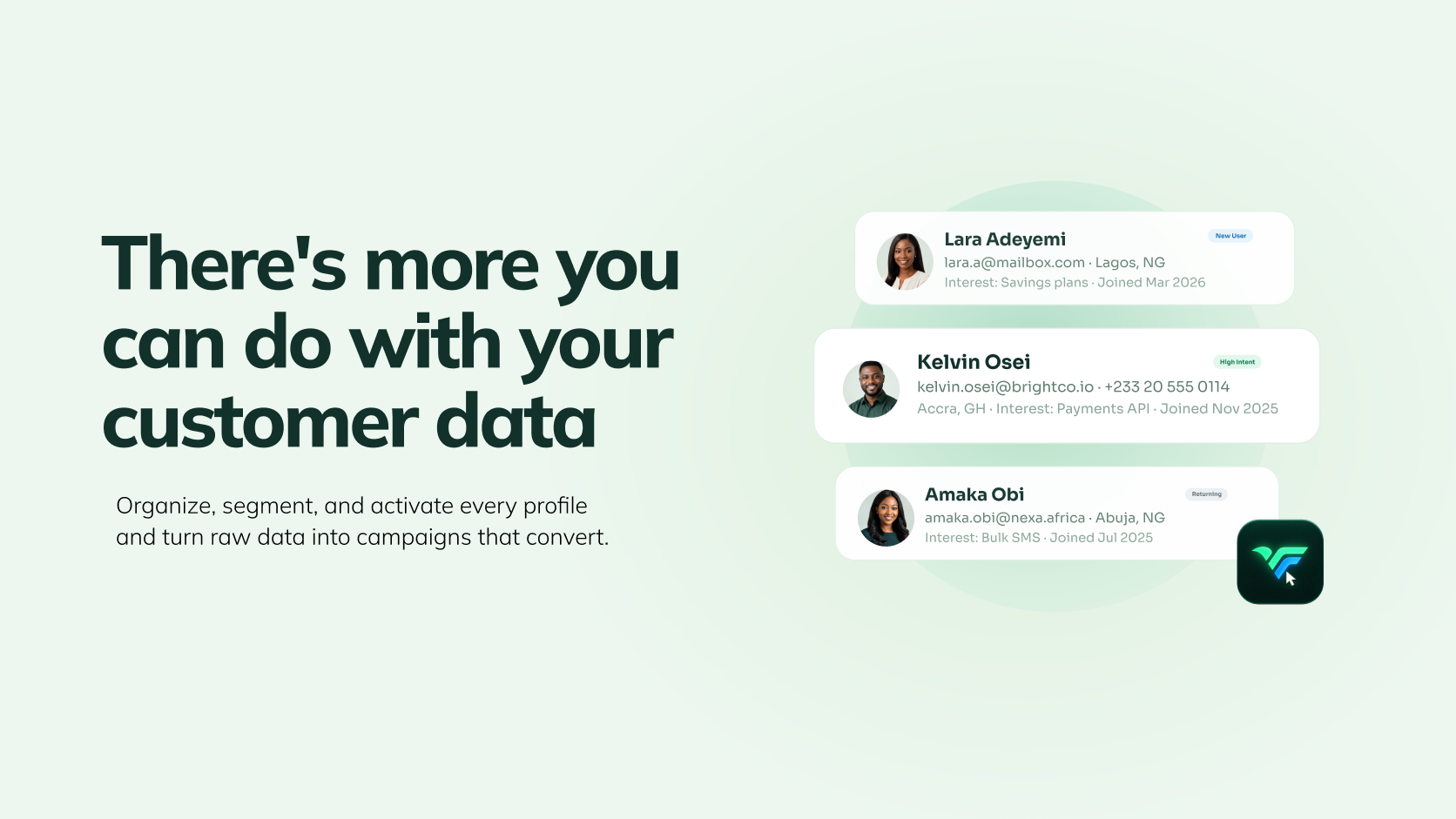
Your customer data probably doesn't live in one place.
Some of it sits in your product database. Some are in a CRM. Some may be in a spreadsheet. New customer events are happening in your application every day.
The challenge isn't simply collecting that information.
It's being able to use it when you're deciding who to engage, what to say and what should happen next.
That's where Engage comes in.
Engage gives you a central place for customer profiles, attributes, segments, campaigns and journeys. You can bring customer data in from supported sources, import it when you need to, or send customer information into Engage as events happen.
Before you build your first campaign, here's how to think about getting your customer data into Engage.
1. Start with the customer information you actually need
Every customer profile in Engage is made up of attributes, pieces of information that describe that customer.
That could include:
- Name
- Phone number
- Plan
- Location
- Customer type
- Purchase history
- Or another field that's useful to your business
Engage includes four default attributes that every customer profile already has: Customer Name, Email, Phone Number and Data Source. When you need something specific to your business, plan type, signup source, loyalty tier, you can create a custom attribute for it. Once you create one, it's added to every customer profile on your account, ready to be filled in as that information becomes available.
This matters because the quality of your customer data determines what you can do with it later.
If you know which customers are on a particular plan, you can build a segment around that.
If you know when someone signed up, you can use that information in a journey.
If you have a customer's name, you can personalise the message they receive.
The point isn't to collect every possible piece of data. It's to make the data you already have useful.
2. Decide how your data should get into Engage
This is where the setup can look different depending on how your business operates.
Import existing customer data
If you're starting with an existing customer list, you can bring it into Engage through a CSV import.
This is useful when you're moving an existing customer database into Engage or bringing in a defined list of customers for a particular purpose.
You map the information in your file to the attributes you've set up in Engage, then import the records.
Connect your existing data sources
If your customer data already lives in a database or another supported source, you don't necessarily need to keep exporting spreadsheets every time you want to update your customer profiles.
This is an integration, a connection between Engage and the external system where your customer or event data already lives, so that data can flow in and stay current rather than being manually re-uploaded every time.
That means your engagement platform can work from customer information that's connected to your existing infrastructure rather than relying on someone to manually prepare a new list every time.
This is particularly useful for businesses with customer data that changes frequently.
A new signup, plan change or customer attribute update can be reflected in the data you're using for engagement, depending on how the integration is configured.
Send data through webhooks
A webhook is a type of integration where your own system pushes customer or event data into Engage the moment something happens, instead of Engage waiting for a batch upload.
Instead of waiting for a batch upload, your application can send an event when a relevant customer action occurs.
For example, a business might want to use an event such as:
Customer signs up → customer data is sent to Engage → customer enters the appropriate engagement flow
The specific events and payload structure depend on your implementation, so your technical team should use the relevant Engage documentation when setting this up.
Add customers manually
For smaller datasets or individual records, customers can also be added manually.
The right method depends on how your business stores customer data and how frequently that data changes.
3. Set your Primary Key
Whichever method you use to bring customer data into Engage, customer identity matters.
Your Primary Key is the attribute Engage uses to identify a unique customer, the field that tells the system "this is the same person," no matter which source their data came in through. That could be an email address, phone number, customer ID or another field that makes sense for your data structure.
This becomes particularly important when you're bringing information from more than one source.
If the same customer appears in different data sources, a consistent Primary Key helps Engage recognise that they are the same customer rather than treating every incoming record as a new profile, so you avoid duplicate profiles and split customer histories.
Set this up carefully before you start bringing in your data.
4. Make sure your data stays useful
Getting your customers into Engage is only the beginning.
The real value comes from what you can do with the information afterwards.
With your customer profiles in place, you can use that data to:
Build segments
A segment is a named group of customers you define as a target audience for a campaign, journey or automation. Group customers based on attributes or conditions that matter to your business.
For example:
- Customers on a particular plan
- Customers in a particular location
- Customers who meet a particular customer-value threshold
- Customers who match a specific condition
Engage supports a few ways to build one: a manual segment, where you choose exactly who's in it yourself; a condition-based segment, which automatically adds any customer - present or future - who matches conditions you set (e.g. "plan = Premium"); and AI segments, giving teams different ways to define their audiences.
Build campaigns
A campaign is a single, one-time send to a chosen audience on a chosen channel. Use your customer segments to send targeted campaigns across supported channels including SMS, WhatsApp, Email and Push Notifications (coming soon). Engage also provides campaign performance information across those channels.
Unlike a campaign, a journey is an ongoing, multi-step flow rather than a single send, it moves a customer through a sequence of messages and conditions over time, with messages, timing and subsequent actions built into the flow.
Personalise your messages
Customer attributes can also be used to personalise messages.
For example, a field such as a customer's name can be inserted into a message so that each recipient receives a version that uses their actual information.
That's the difference between having customer data and using customer data.
5. Choose the setup that fits your business
There isn't one right way to get customer data into Engage.
If you're bringing over an existing customer list, CSV import may be the simplest starting point.
If your customer data already lives in an integrated database, connecting that source may make more sense.
If you need to send information based on events happening in your application, webhooks can provide a way to pass those events into Engage.
And for individual records or smaller datasets, manual entry may be enough.
The important thing is to establish a reliable customer identity, keep the attributes you need, and then build your engagement activity around that data.
What happens after your data is connected?
This is where Engage starts becoming more than a place to store customer information.
The basic flow is:
Bring in customer data → build customer profiles → create segments → launch campaigns → automate journeys → understand engagement
The goal isn't to build another database.
It's to give your marketing, growth and customer teams the information they need to make better decisions about who to reach, when to reach them and what happens next.
Ready to set up Engage?
Start by bringing your customer data into Engage, then build your first segment, campaign or journey.
Watch the walkthrough
Watch: How to bring customer data into Engage